






















For most Samsung Galaxy owners, the best eSIM comes down to matching plan type to trip pattern: eSIM USA for domestic travel, a regional or global eSIM for multi-country itineraries, and an unlimited plan only for heavy daily data use. eSIMGlobe covers all three with instant email delivery and QR activation, which works directly through Samsung’s SIM manager. The rest of this guide covers compatibility, activation steps, and how to pick the right plan for your specific trip.
TL;DR:
- Support for unlocking eSIM features depends on specific Samsung models, with unlocked phones offering the easiest activation process and fewer firmware restrictions.
- Activation issues usually stem from no Wi-Fi during setup, carrier firmware limitations, or missing EID, which can be fixed by using unlocked devices or updating firmware.
- Trip length, number of countries, and daily data needs determine whether a country, regional, or global eSIM plan offers the best value and convenience.
- Most plans cap high-speed data after a certain threshold, making it important to verify fair-use terms before assuming unlimited bandwidth.
- Using an eSIM is more advantageous for frequent or multi-country travel, especially when pre-installed before departure, compared to physical SIM swaps.
Table of Contents
- Which eSIMGlobe Plans Work Best for Samsung Owners?
- Which Galaxy Models Support eSIM?
- How Do You Activate an eSIM on a Samsung Phone?
- How Should You Choose an eSIM Plan for Your Samsung Trip?
- Why Samsung Owners Trust eSIMGlobe’s Plan Lineup
- Is It Safe to Use an eSIM on a Samsung Phone?
- When Does an eSIM Actually Beat a Physical SIM?
- Get Your Samsung Set Up Before You Fly
- Sources Used for This Guide
- FAQ
Which eSIMGlobe Plans Work Best for Samsung Owners?
Samsung’s SIM manager makes installing a second data profile simple, but picking the wrong plan type wastes money or leaves you throttled halfway through a trip. Here’s how the main eSIMGlobe options break down by use case.
- eSIM USA fits Samsung owners visiting the United States for a defined trip. It’s a straightforward country plan with QR activation and typically a same-day install window.
- eSIM USA Unlimited plan suits anyone who streams, hotspots, or works remotely while in the US and doesn’t want to track a data meter. Verify what “unlimited” actually means before buying.
- A Miami Unlimited eSIM plan is suited for travelers focusing on a single city rather than a whole country.
- eSIM Italy and eSIM Rome work the same way for European travel: one is country-wide, the other is scoped to a single city.
- eSIM Italy Unlimited covers Samsung owners spending an extended stay in Italy who need dependable daily data without checking a usage dashboard.
- eSIM Global (120+ areas) and eSIM Global (130+ areas) are built for people crossing multiple borders on one trip, since a single profile carries across countries instead of forcing a new purchase at each stop.
- eSIM Global (120+ areas) Unlimited is the pick for frequent international travelers or digital nomads who move between regions monthly and want one recurring plan type rather than country-by-country purchases.
Every one of these plans activates the same way on a Samsung Galaxy: scan a QR code delivered by email, or enter the activation code manually inside SIM manager. Delivery is instant, meaning the QR code lands in your inbox within moments of checkout, so you can install before you board rather than scrambling at the gate. Support runs 24/7, which matters most for global and unlimited plans where fair-use terms sometimes need clarifying mid-trip.
Pro Tip: “Unlimited” almost never means unlimited at full speed. Most providers, eSIMGlobe included, cap high-speed data at a daily or trip-total threshold before throttling kicks in. Check the fair-use terms on the product page before assuming you can stream 4K video for two weeks straight.
Which Galaxy Models Support eSIM?
Samsung’s flagship lineup from the Galaxy S20 forward, along with the Z Fold and Z Flip series, generally supports eSIM. Region and carrier still decide the final answer, so checking your specific unit matters more than trusting the model name alone.
Confirming support takes three quick checks:
- Go to Settings > Connections > SIM manager and look for an Add eSIM or Add mobile plan option. If it’s there, your hardware and firmware both support it.
- Dial *#06# from the phone app. A screen showing an EID (Embedded Identity Document) number confirms eSIM hardware is present, even if the menu option is hidden.
- Check Settings > About Phone for your exact model number, since Samsung ties eSIM availability to specific model variants, not just the product family name.
The catch for many US buyers: carrier-sold Samsung phones sometimes ship with the eSIM option hidden or disabled in firmware even though the hardware supports it. This is a known limitation for models sold through certain US carriers. If SIM manager shows no eSIM option despite passing the EID check, your options are requesting activation directly from your carrier or using unlocked Samsung firmware, sometimes called U1, or buying an unlocked unit outright. An unlocked Samsung phone bought directly from Samsung or a major retailer avoids this restriction from day one.
For a deeper device-by-device breakdown, the eSIM Samsung travel connectivity guide covers model-specific quirks worth checking before you buy a plan.
How Do You Activate an eSIM on a Samsung Phone?
Samsung supports three activation paths: scanning a QR code, entering an activation code manually, or letting your carrier push a pre-assigned profile automatically. Which one you use depends on how your provider delivers the eSIM.
QR code activation (most common for providers like eSIMGlobe):
- Connect to Wi-Fi before starting.
- Go to Settings > Connections > SIM manager > Add mobile plan.
- Select Scan QR code from carrier and point your camera at the code emailed to you.
- Confirm the plan name and label it (e.g., “Travel Data”) so you can tell it apart from your primary line.
- Enable the new eSIM as your data line under SIM manager if it doesn’t set automatically.
Manual activation code entry:
- Follow the same path to Add mobile plan.
- Choose Enter activation code manually instead of scanning.
- Type the code exactly as provided, watching for zero versus letter O mistakes.
Carrier pre-assigned provisioning: Some carriers push the eSIM profile to your device remotely without a QR code at all. In this flow, the carrier requests your device’s EID number, provisions the profile on their end, and it appears in SIM manager automatically once processed.
A small number of providers also offer app-based installation, where their own app handles the QR exchange internally. That can bypass a failed camera scan, but it still relies on the same underlying SIM manager framework Samsung built for eSIM.
Statistic Callout: Samsung’s own support documentation confirms that failed installs almost always trace back to one of three things: no Wi-Fi connection during setup, a carrier-locked device with eSIM hidden in firmware, or a missing EID (checked via *#06#). Ruling those three out resolves the overwhelming majority of activation failures.

If SIM manager never shows an Add eSIM option after checking your EID, the fix is the same firmware or unlocked-device path covered above. For a no-QR alternative, the guide to activating an eSIM without a QR code walks through manual entry in more detail.
How Should You Choose an eSIM Plan for Your Samsung Trip?
Match the plan type to the trip, not the other way around. Country plans fit single-destination travel, regional or global plans fit multi-country itineraries, and unlimited plans only make sense once you’ve confirmed what “unlimited” actually caps out at.
Coverage quality depends on which local carrier partner your provider uses in that country, so a provider that names its partner networks and leans on established, tier-one carriers tends to deliver steadier speeds than one that stays vague about network access. Data caps, validity windows, and throttling thresholds vary plan to plan, and activation convenience differs too. QR-based instant delivery beats a pre-assigned carrier profile if you’re buying the night before a flight and need to install immediately.
Run through this checklist before buying:
- How many days is the trip, and does the plan’s validity window cover it with margin?
- How many countries are on the itinerary? One means a country plan; three or more means regional or global.
- What’s your realistic daily data use, factoring in navigation, messaging, and any hotspot tethering?
- Do you need to tether a laptop, and does the plan explicitly allow it?
- How fast do you need support to respond if something goes wrong mid-trip?
Independent testing roundups like PCMag’s annual eSIM coverage consistently judge providers on exactly these factors: coverage, speed, price, and support responsiveness. For anyone hitting three or more countries on one trip, editorial guides tend to favor regional plans over broad global ones because regional providers concentrate on local carrier partnerships rather than spreading thin, and eSIMGlobe’s regional plans for multi-country travel follow that same logic.
Pro Tip: If your trip mixes business and leisure, check whether tethering is allowed before you buy. Some capped plans quietly restrict hotspot use even when the base data allowance looks generous.
Business travelers juggling client calls and hotel Wi-Fi gaps often prioritize instant setup over price, a pattern also noted in this breakdown of convenience in business travel, which underscores why speed of activation matters as much as coverage maps.
Why Samsung Owners Trust eSIMGlobe’s Plan Lineup
Samsung owners buying a data plan for the first time want proof the eSIM will actually install, not marketing language. eSIMGlobe’s product pages list exact coverage areas, validity windows, and pricing for every plan up front, so you know what you’re buying before checkout rather than after.
- Instant delivery by email means the QR code arrives fast enough to install before you leave home, not after you land with no signal.
- Multi-currency checkout lets you pay in your own currency rather than guessing at a conversion.
- 24/7 support covers the exact activation questions this article walks through, from a missing EID to a carrier firmware block.
- Plans span single countries, regions, and global unlimited tiers, so the lineup matches the trip breakdown covered in the buying guide above rather than forcing one plan type on every traveler.
For step-by-step installation support beyond what’s covered here, the pre-travel eSIM installation checklist and the general activation walkthrough for travelers both cover install order and pre-flight checks in more depth.
Is It Safe to Use an eSIM on a Samsung Phone?
eSIM technology is built into Samsung’s hardware and secured the same way a physical SIM’s authentication is, using encrypted profile data rather than a swappable chip that can be physically removed or cloned. That’s actually a security advantage over a plastic SIM card, which can be pulled out and inserted into another device if your phone is stolen.
The real privacy considerations sit with the provider, not the hardware. Before buying, confirm the checkout process uses secure payment handling and that the provider doesn’t require more account information than a data-only plan needs, since data-only eSIMs generally shouldn’t ask for identity documents the way voice plans in some countries do. eSIMGlobe processes payments through encrypted checkout and delivers profiles by email without requesting unnecessary personal data.
One limitation worth knowing: Samsung Galaxy phones typically support multiple eSIM profiles stored on the device, but only one or two can be active for data at a time depending on the model, and switching between them or between eSIM and physical SIM is handled inside SIM manager. If you’re transferring service between devices, know that an installed eSIM is generally tied to the device it was activated on. Upgrading to a new Samsung phone almost always means buying a fresh plan and reactivating rather than moving the old profile over, so factor that into timing if you’re planning a phone upgrade around a trip.
When Does an eSIM Actually Beat a Physical SIM?
An eSIM wins for short trips, multi-country hops, and anyone who travels often enough that carrying spare SIM cards gets old fast. A two-week trip through three European countries makes a strong case for one regional eSIM over hunting for local SIM kiosks at each border. A single-country work trip of a few days, by contrast, sometimes comes down to whichever option is cheaper, and that’s where a country-specific plan or even carrier roaming can compete. Check eSIMGlobe’s country and regional product pages against your actual itinerary before deciding.
— Daniel
Get Your Samsung Set Up Before You Fly
eSIMGlobe is the practical alternative to hunting for a local SIM card at the airport or paying your home carrier’s roaming rates: pick your plan online, get the QR code by email in seconds, and install it through Samsung’s own SIM manager before you ever leave the house.
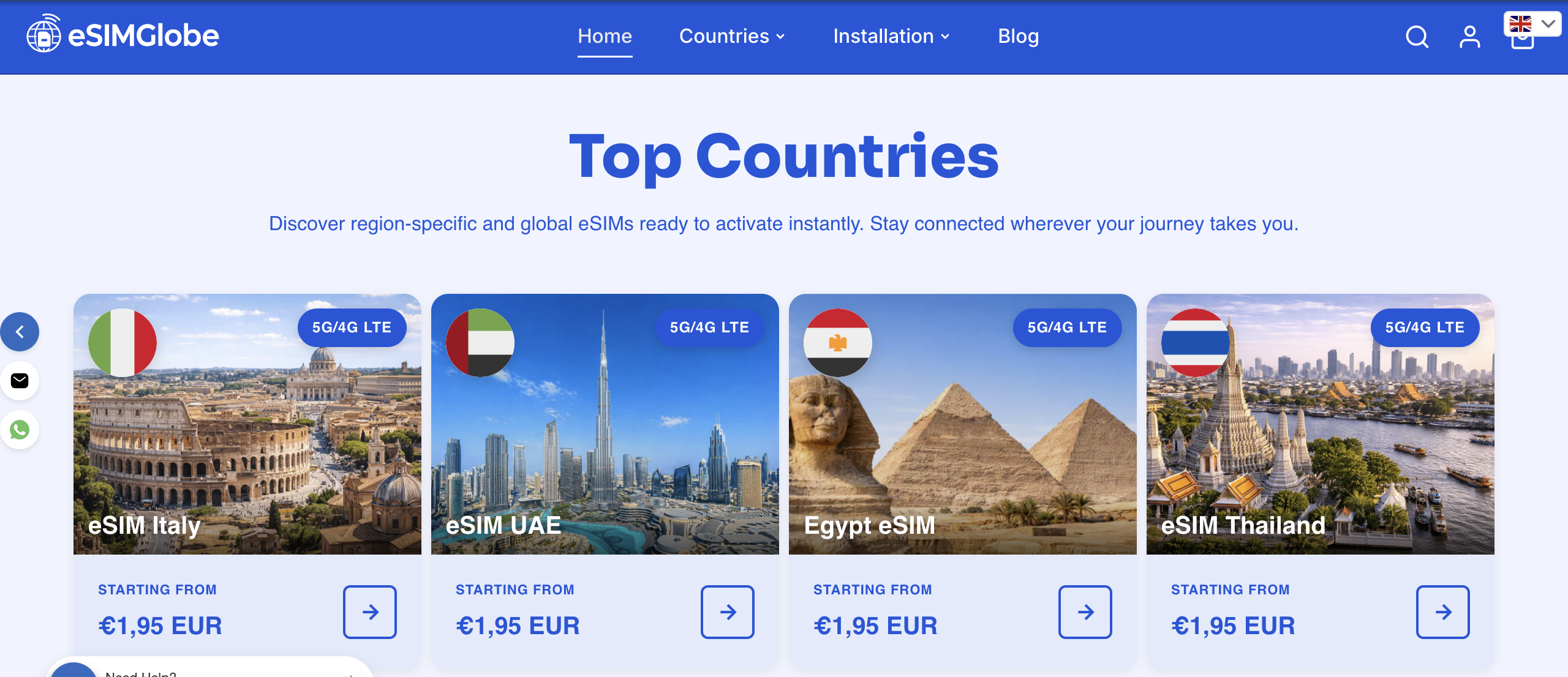
If your trip is US-based, eSIM USA covers a standard domestic visit, while the eSIM USA Unlimited plan fits heavier daily data needs like hotspotting a laptop for work. Traveling across several countries instead? The eSIM Global (120+ areas) plan carries across borders without a new purchase at each stop. Pick your plan, check it against the compatibility steps above, and install it before your next flight.
Sources Used for This Guide
Device compatibility and activation steps draw on Samsung’s own support documentation for SIM manager and eSIM provisioning, cross-checked against independent testing coverage from outlets like PCMag, TechRadar, and CNET that evaluate providers on coverage, speed, and price.
FAQ
Which eSIM Is Compatible with Samsung Phones?
Any eSIM using standard QR or manual activation codes works with Samsung Galaxy models from the S20 generation onward, plus the Z Fold and Z Flip lines, provided the specific unit isn’t carrier-locked with eSIM hidden in firmware. eSIMGlobe’s plans, including eSIM USA and eSIM Global (130+ areas), install through the same Settings > Connections > SIM manager path Samsung documents for all supported models.
What Is the Best eSIM for Samsung Owners Overall?
There’s no single best plan since it depends on the trip: a country-specific plan for one destination, a regional or global plan for multi-country travel, and an unlimited tier only for heavy daily use. eSIMGlobe covers all three with instant email delivery and Samsung-compatible QR activation.
Is There an eSIM for Samsung Devices Specifically?
Yes. eSIM plans aren’t device-branded, but they activate through Samsung’s built-in SIM manager the same way they do on any supported phone, using either a QR code, a manual activation code, or a carrier-pushed profile.
How Much Does an eSIM Plan Cost for Samsung Phones?
Pricing varies by destination and data volume; current eSIMGlobe plan prices are listed on each product page, including country, regional, and unlimited options.
Can I Move My eSIM to a New Samsung Phone?
Generally no. An eSIM profile is typically tied to the device it was activated on, so switching to a new Samsung phone usually means purchasing and activating a new plan rather than transferring the old one.