






















For most trips, an eSIM beats resort or portable WiFi on cost, security, and convenience, and it should be your default connection. The main exceptions are large groups splitting one hotspot and travelers doing heavy streaming or large uploads, where resort WiFi or a rented hotspot with unlimited data can work out cheaper. Prepaid eSIM plans are available for over 170 countries, and the sections below cover cost math, security tradeoffs, and a simple checklist for choosing between the two.
TL;DR:
- eSIM plans generally cost less and offer higher security than resort or portable WiFi for solo and short-term travelers, especially in urban areas.
- For large groups or heavy data use, shared hotspots or resort WiFi may be more economical, but they pose higher security risks and potential connection issues.
- Activating an eSIM before departure is quick and easy, providing reliable connectivity globally with support for multiple devices on recent smartphones.
- Resort WiFi often presents security vulnerabilities through shared networks and captive portals, making cellular data safer for sensitive tasks and two-factor authentication.
- Long trips or remote excursions may require a combination of eSIM for mobility and resort WiFi for stationary, high-bandwidth activities to optimize cost and security.
Table of Contents
- eSIM vs WiFi Resort: Comparing Features and Travel Scenarios
- How Much Does eSIM vs Resort WiFi Actually Cost?
- Is Resort WiFi Safe, or Should You Use an eSIM for Sensitive Tasks?
- How Do You Choose Between eSIM and Resort WiFi for Your Trip?
- How EsimGlobe Handles Activation and Keeps You Secure at a Resort
- When I’d Actually Use Resort WiFi Instead of an eSIM
- Get Connected Before You Land With EsimGlobe
- Sources Used for This Article
- FAQ
eSIM vs WiFi Resort: Comparing Features and Travel Scenarios
The right answer depends less on brand preference and more on how you travel. A solo traveler bouncing between cities has different needs than a family of four parked at one property for a week, as explored in Convenience Is the Top Priority in Business Travel – Wild Foodz by Hotel Entree Brugge.
Here’s how the two options stack up across the factors that actually affect a trip:
- Best for: eSIM suits solo and couple travel, city hopping, and anyone who needs data the moment they land. Resort or portable WiFi suits groups sharing one connection, long stationary stays, and heavy in-room streaming.
- Pricing model: eSIM plans are typically sold per gigabyte or as a fixed data bundle for a set number of days. Resort WiFi is usually bundled into the room rate or sold per day, while portable hotspot rentals charge per day plus a deposit.
- Data caps and speed: eSIM plans usually run on 4G LTE or 5G networks with speeds close to a local carrier. Resort WiFi is shared across every guest on the property, so throughput drops fast during peak hours, especially in the evening when everyone is streaming.
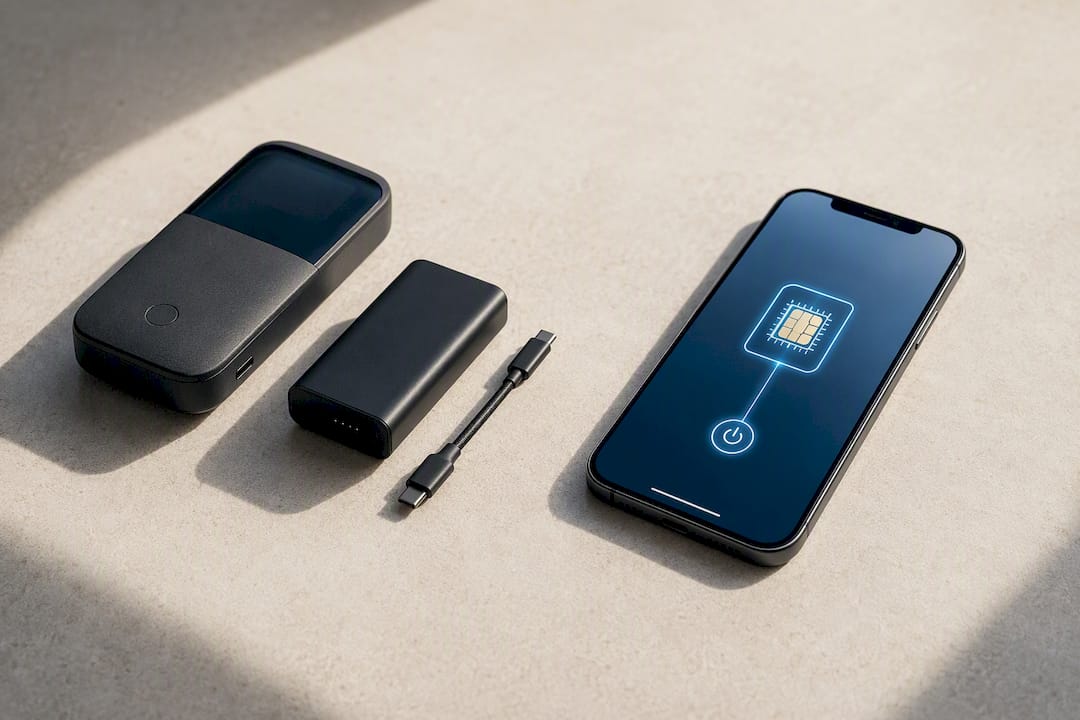
- Devices supported: An eSIM covers one device unless you buy multiple lines or use a compatible plan across devices with eSIM support. A pocket hotspot or resort router can serve five to ten devices at once, which matters for a family with phones, tablets, and a laptop.
- Activation ease: eSIM activation takes a few minutes with a QR code scan before you even leave home. Resort WiFi usually asks for a room number and a captive portal login; portable hotspots need to be picked up, charged, and configured on arrival.
- Security: An eSIM keeps your data on a private cellular connection tied to your device. Resort and hotel WiFi networks are shared, and shared networks carry a materially higher exposure to interception and phishing.
Solo city break. You land, you need maps and a rideshare app working immediately, and you’re moving between neighborhoods all week. An eSIM wins outright here because you’re never dependent on a hotel lobby signal or hoping the walking tour operator’s WiFi actually works.
Rural day trips. If your resort sits outside a city center and you’re planning excursions, resort WiFi is useless once you leave the property. An eSIM on a local or regional network keeps you connected in the van, on the trail, or at a roadside stop.
Family of four. This is where the math shifts. If everyone needs a device online and nobody is doing anything data-heavy beyond messaging and photos, a shared resort connection or a rented hotspot can be more economical than four separate eSIM lines. TechRadar’s comparison of eSIM and physical SIM technology notes that pocket WiFi tends to make more sense for groups sharing one hotspot, while single travelers on short trips usually come out ahead with an eSIM.
Remote work with large uploads. Video calls and large file transfers eat bandwidth fast. If you’re working from the resort for several days, use the property’s WiFi for the heavy lifting and keep your eSIM active as a backup when the hotel connection drops, which shared networks do more often than travelers expect.
One practical wrinkle: pocket WiFi devices need their own charging, and a dead hotspot battery mid-excursion leaves everyone offline at once. An eSIM has no separate battery to manage. It draws from your phone, which you’re already carrying and charging anyway.
How Much Does eSIM vs Resort WiFi Actually Cost?
eSIM plans are priced per gigabyte or as a flat bundle for your trip length. Resort and portable WiFi are priced per day or per device, and that structural difference is what decides which one saves you money.
Per-day pricing works against you on longer trips. A five-day hotspot rental charged daily can quietly cost more than a single eSIM data bundle covering the same period, especially once you add the deposit most rental counters require.
Here are three quick scenarios to run against your own trip:
- A four-day city break, one traveler, moderate use (maps, messaging, some social media). An eSIM data bundle sized for a few gigabytes typically covers this comfortably and costs less than a daily hotspot rental charged over four days.
- A ten-day resort stay, couple, mostly stationary with evening streaming. Resort WiFi included in the room rate, supplemented by a modest eSIM bundle for excursions off-property, usually beats paying for a hotspot rental you barely use once you’re back at the resort.
- A week-long trip, family of four, constant device use across phones and a tablet. A single portable hotspot with a generous or unlimited data allowance, split across the family, can undercut buying four individual eSIM lines, particularly for data-heavy kids’ apps and video.
Hidden costs to watch for:
- Hotspot rental deposits that aren’t refunded if the device comes back scuffed or a day late.
- Resort WiFi “premium” tiers that charge extra for anything beyond basic browsing speed.
- eSIM overage charges once you cross your data cap, which usually cost more per gigabyte than the base bundle.
- Return penalties on rented hotspots for late drop-off at the airport counter.
CNET’s breakdown of SIM technology found that for short trips, eSIM plans frequently beat pocket WiFi on price and convenience, while pocket WiFi becomes more competitive for groups or high-bandwidth, long-stay situations. That breakpoint is worth remembering: trip length and traveler count matter more than any single price point.
Is Resort WiFi Safe, or Should You Use an eSIM for Sensitive Tasks?
Shared WiFi networks carry real risk, and an eSIM avoids most of it by keeping your data on a private cellular connection instead of a network hundreds of strangers are also using. The FCC’s guidance on eSIM technology points out that eSIMs reduce the risk of SIM-related theft and SIM-swap interception, since the profile is embedded in the device and cannot be physically removed the way a SIM card can.
Hotel and resort WiFi networks commonly rely on captive portals, the login screens that ask for a room number or email before granting access. Those portals are a known phishing vector. A fake portal page that looks identical to the real one can harvest credentials before a guest realizes anything is wrong. Research on hotel network risks flags exactly this pattern: shared networks increase exposure to interception and credential theft, and a VPN is the standard mitigation for anything sensitive done over public WiFi.
Practical steps that cut your risk substantially:
- Do banking, password manager syncing, and anything involving stored payment details over cellular data, not resort WiFi.
- Run a VPN any time you’re on hotel or resort WiFi for tasks you can’t move to cellular.
- Never enter your email password, banking login, or other credentials on a captive portal page. Legitimate portals only ask for a room number or last name.
- Turn off WiFi auto-join on your phone so it doesn’t silently reconnect to a resort network you haven’t verified that day.
There’s a second layer to this that most travelers overlook: two-factor authentication. Apple’s own support documentation for iPhone eSIM travel plans confirms you can keep your home SIM active for calls and SMS while your eSIM handles data. That matters because your bank, email provider, and other accounts likely send verification codes to your home number. Losing that line while abroad means locking yourself out of your own accounts at the worst possible time. Because an eSIM is tied to your device’s IMEI rather than a swappable card, a thief also can’t just pop it out and use it to intercept those same codes, which is a meaningfully harder attack than SIM-swap fraud on a physical card.
Pro Tip: Set your banking and email apps to use cellular data only in their settings, so even if you’re connected to resort WiFi for streaming, your most sensitive accounts stay on your private eSIM connection.
How Do You Choose Between eSIM and Resort WiFi for Your Trip?
Score your trip against a handful of factors before you land, and the right answer usually becomes obvious. The decision rarely comes down to preference. It comes down to trip length, group size, and how much heavy lifting your connection needs to do.
Run through this checklist:
- How many days are you traveling, and does your destination have a resort-only or mixed itinerary?
- How many people and devices need to be online at once?
- Do you need a laptop connection for work, or is this strictly phone use?
- How data-intensive is your trip: mostly maps and messaging, or streaming and large uploads?
- Do you need maps, translation, or rideshare apps working the moment you land, before you’ve even checked in?
- Is your phone eSIM compatible? Many recent iPhone and Pixel models support multiple eSIM profiles or eSIM-only setups, but older or budget phones may not support eSIM at all.
If you’re renting a hotspot or relying on a resort’s WiFi package, ask the vendor or front desk these questions before committing:
- Is there a guaranteed minimum speed, or is it best-effort shared bandwidth?
- How many devices can connect simultaneously without a slowdown?
- Is there a daily data cap, and what happens once you hit it?
- What’s the deposit and return policy on a rented device?
- Does the WiFi captive portal require SMS verification, and does that work with an international number?
Walk away from any hotspot rental or resort package that can’t give you clear, upfront pricing, tacks on unexplained admin fees, or can’t confirm how many devices it actually supports at once. Vague answers to a direct question about device limits usually mean the connection will buckle exactly when you need it most, on the first night with the whole family trying to get online.
For most scenarios, the checklist points toward an eSIM as your primary connection, with resort WiFi as backup for stationary heavy use, a combination that several independent travel comparisons converge on as the most cost-effective, security-aware setup for a typical trip.
How EsimGlobe Handles Activation and Keeps You Secure at a Resort
Buying and installing an eSIM before you leave takes a few minutes, and doing it early means you land already connected. The process starts with choosing your destination’s product page, completing checkout, and receiving your QR code by email almost immediately. From there, you scan the code in your phone’s settings, and modern eSIM activation typically completes within minutes of that scan. Waiting until you land to activate is when most hiccups happen, so install and activate before you fly rather than at the arrivals gate.
Plans run on telecom-grade infrastructure with 24/7 support, which matters if you hit an activation snag at 2 a.m. local time in a country where you don’t speak the language. For a full walkthrough of the eSIM activation steps for international travel, the setup guide covers device settings for both iPhone and Android.
For your resort stay specifically:
- Pre-install your eSIM before departure and confirm it’s showing a signal before you leave the airport.
- Keep your home SIM active for calls and 2FA codes, and let your eSIM handle data.
- Turn off WiFi auto-join so your phone doesn’t quietly latch onto an unverified resort network.
- Save your eSIM data for movement and sensitive tasks, and switch to resort WiFi for big downloads or in-room streaming.
Pro Tip: Test your eSIM connection in airplane mode with cellular data on before you board your flight. If it shows a signal at the gate, you know it’ll work the moment you land.
When I’d Actually Use Resort WiFi Instead of an eSIM
My stance is simple: eSIM first, resort WiFi as a supporting tool, not the other way around. Mobility is the deciding factor most people underweight. A connection that only works within 50 meters of a lobby router isn’t a travel connection, it’s a room amenity.
I think the biggest misjudgment travelers make is treating resort WiFi as free and therefore automatically the smarter choice. It’s rarely free in any way that matters. You pay for it in slow evening speeds, in captive portal risk, and in being stranded the moment you step off property for a day trip. A friend who worked remotely from a beach resort for a week found this out the hard way. She lost a client call to a WiFi outage on day three, and her backup eSIM device saved the rest of the trip.
Pack a small offline backup, whether that’s a spare device or downloaded copies of your itinerary and IDs, in case any single connection fails.
— Daniel
Get Connected Before You Land With EsimGlobe
You can get online the moment your plane touches down, without gambling on a resort’s shared bandwidth or a rental counter’s hotspot deposit. Prepaid data plans arrive by email instantly after checkout, install in minutes with a QR code, and run on high-speed 4G LTE and 5G networks across more than 170 countries, backed by 24/7 support if anything goes sideways at the gate.
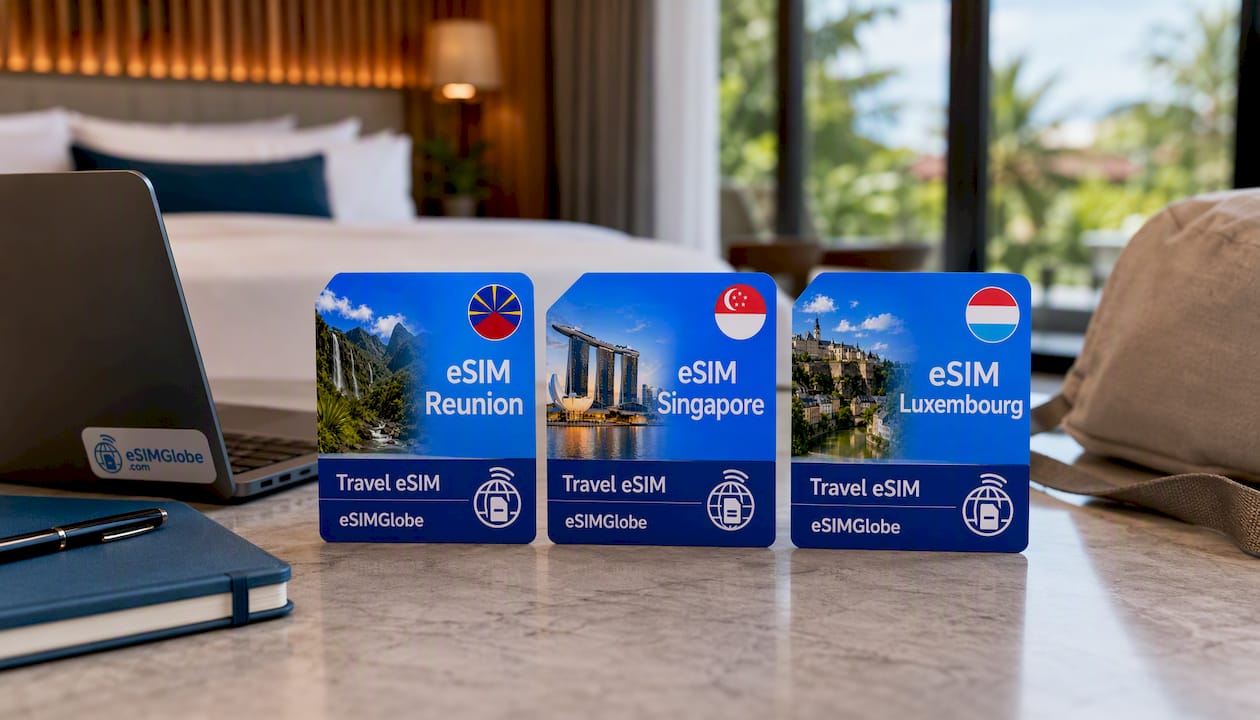
Heading to Reunion Island for a beach stay? The eSIM Reunion plan gets you connected before you even find your rental car. Traveling to a city break in Singapore where you’ll be moving between neighborhoods all week? eSIM Singapore covers you from the airport onward. Business trip to Luxembourg with back-to-back meetings? eSIM Luxembourg keeps your maps and email running without touching hotel WiFi. Buy your plan now, install it before departure, and land already connected.
Sources Used for This Article
Device compatibility and security claims in this article draw on Apple’s official iPhone eSIM travel support documentation, the FCC’s eSIM guidance, and independent comparisons from TechRadar and CNET. These sources back the claims made throughout on eSIM security, activation, and device support.
FAQ
What Are the Downsides of Using an eSIM?
Coverage can vary by network in remote areas, older or budget phones may not support eSIM at all, and switching profiles requires an internet connection at the time of activation. Most flagship phones released in recent years handle eSIM without issue, but it’s worth confirming compatibility before you buy a plan.
Should I Turn Off Roaming When Using an eSIM on My iPhone?
You generally don’t need to turn off cellular data roaming for your eSIM line since that’s how it delivers data abroad, but you should turn off data roaming on your home SIM line to avoid accidental roaming charges while your eSIM handles data.
Is an eSIM a Good Idea for Travel?
Yes, for most travelers an eSIM is a strong default because it activates before departure, avoids shared network security risks, and typically costs less than resort or hotspot WiFi for solo and short-to-medium trips.
Do I Need to Turn Off My Primary SIM When Using an eSIM?
No. Apple’s guidance confirms you can keep your primary SIM active for calls and SMS, including two-factor authentication codes, while your eSIM handles data, which is the setup most security-conscious travelers use.
Is eSIM Safer Than Resort or Hotel WiFi?
Yes. An eSIM uses a private cellular connection tied to your device, while resort WiFi is shared across every guest and relies on captive portals that are a common phishing target, making cellular the safer choice for banking and other sensitive tasks.