






















How to install an eSIM on Android step by step
Installing an eSIM on Android can be completed quickly when you follow the right path through your device settings. Before you start, confirm your phone is unlocked and connected to Wi-Fi.
What you need first:
- An Android phone with eSIM support
- A stable Wi-Fi connection
- An eSIM plan purchased from a provider like Esimglobe
- Your QR code or activation code from the provider
Steps to add an eSIM:
- Open Settings on your Android device.
- Tap Network & internet (or Connections on Samsung).
- Select SIMs or SIM card manager.
- Tap Add eSIM or the + icon.
- Choose your method: Simple Setup, QR code scan, or manual code entry.
- Follow the on-screen prompts to download the profile.
- Tap Activate when the profile downloads successfully.
Simple Setup is the carrier-recommended method. It lets your carrier push the eSIM profile directly to your phone without any scanning or code entry, making installation the easiest and most reliable. If your carrier supports it, use Simple Setup first.
After activation, your device may prompt you to set the new eSIM as your default for calls, texts, or data. Confirm your preferences and you are connected.

What is an eSIM and how does it work on Android?
An eSIM, or embedded SIM, is a digital SIM card built directly into your phone’s hardware. Unlike a physical SIM, you never insert or remove it. You download a carrier profile over the internet instead.
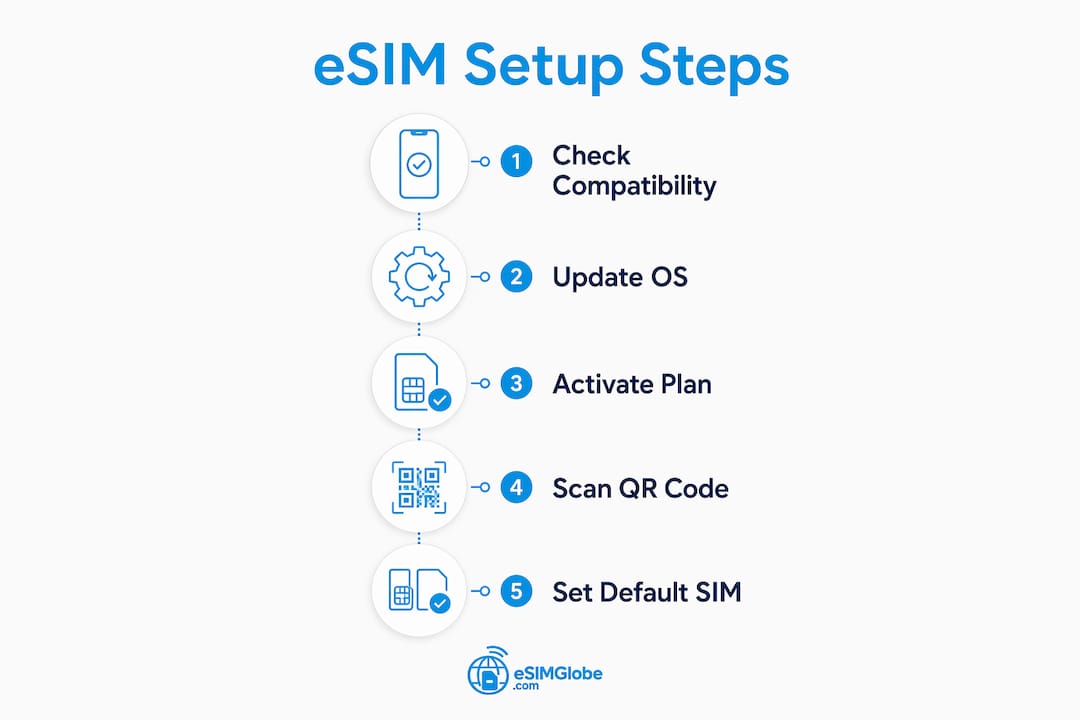
On Android, eSIM integrates into the native network management system. This means you can store and switch between multiple carrier profiles from the same settings menu you already use.
Key benefits on Android:
- No physical SIM swap when changing carriers or traveling
- Dual SIM operation: use an eSIM and a physical SIM at the same time
- Switch plans without visiting a store
- Profiles download in minutes from anywhere with Wi-Fi
Android supports dual SIM functionality, letting you run an eSIM and a physical SIM simultaneously. You can assign each line a different role, such as keeping a local number on your physical SIM while using an international eSIM plan for data abroad.
Which Android phones support eSIM in the US?
Most flagship Android phones sold in the US since 2020 support eSIM. Carrier support and model generation both affect availability, and a software update can sometimes unlock eSIM features on devices that previously lacked them.
| Manufacturer | Compatible Models | Notes |
|---|---|---|
| Google Pixel | Pixel 4 and newer | Setup available during initial phone setup or via Settings |
| Samsung Galaxy | S20 series and above | Supports Simple Setup, QR, and manual entry |
| Motorola | Select newer models | Varies by carrier and region |
| OnePlus | Select newer models | Carrier unlock required in some cases |
Pro Tip: Always run the latest Android OS update before attempting eSIM setup. Older software versions can lack the provisioning protocols needed for a successful download, and most installation failures trace back to outdated software rather than a hardware problem.
How to manage eSIM profiles: enable, disable, and remove
Enabling or disabling an eSIM profile
- Go to Settings > Network & internet > SIMs (or SIM card manager on Samsung).
- Tap the eSIM profile you want to manage.
- Toggle Use SIM on or off.
Disabling a profile keeps it stored on the device. You can re-enable it at any time without re-downloading.
Removing an eSIM profile
- Open Settings > Network & internet > SIMs.
- Tap the profile you want to delete.
- Select Delete or Remove eSIM.
- Confirm the deletion.
Removing a profile deletes your plan from the device permanently. Reactivation may require contacting your carrier directly. Before you delete, confirm you have your account details saved.
Pro Tip: If you travel frequently, disable rather than delete profiles you plan to reuse. This preserves the profile on your device and saves you the step of re-downloading it later.
How Esimglobe makes Android eSIM setup faster with 1 Tap install
Esimglobe offers a 1 Tap install feature that removes the manual steps from the standard Android eSIM setup process. Instead of scanning a QR code or typing an activation code, you tap once and the profile downloads automatically with carrier-level Simple Setup integration.
Why Esimglobe stands out:
- 1 Tap install works across a wide range of compatible Android models using Simple Setup for the easiest installation
- No QR code scanning or manual code entry required
- Plans available for countries worldwide, with USD, EUR, and GBP payment options
- Multi-language interface for users across different regions
- Coverage for travelers, digital nomads, and business users
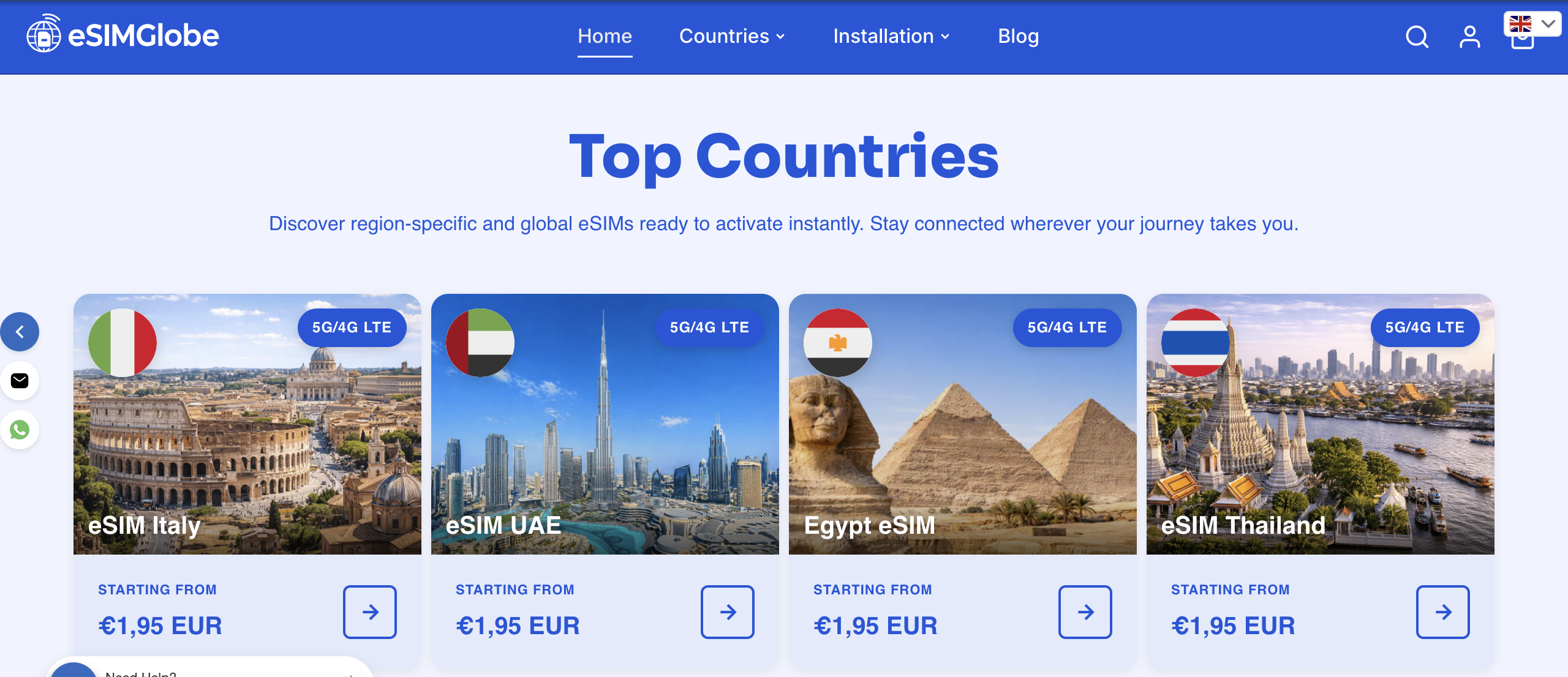
Esimglobe’s global reach means you can purchase and activate a plan before your flight departs. Visit Esimglobe to browse plans by country and activate with a single tap.
How to scan or enter a QR code to download an eSIM profile
When Simple Setup is not available, a QR code is a common alternative method. Your provider sends the QR code by email after purchase.
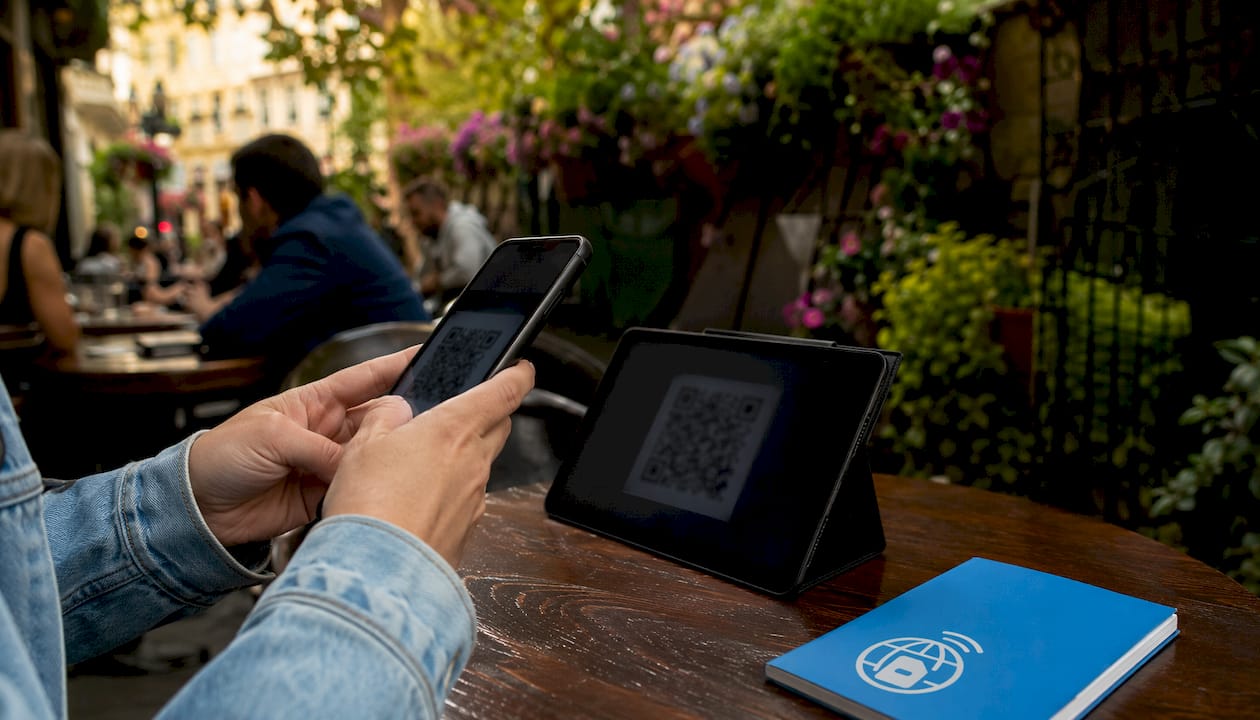
Go to Settings > Network & internet > SIMs > Add eSIM, then select Scan QR code. Hold your camera over the code until it registers. If scanning fails, choose Enter code manually and type the activation code from your provider’s confirmation email. For a full walkthrough on activating before travel, Esimglobe’s guide covers each step with device-specific screenshots.
Troubleshooting common eSIM installation issues on Android
Most eSIM problems on Android come from outdated software or a misconfigured setting, not a hardware fault. Running the latest Android update resolves the majority of setup failures.
| Problem | Fix |
|---|---|
| Profile download fails | Update Android OS, then retry |
| QR code not recognized | Improve lighting or enter the code manually |
| eSIM not showing in settings | Confirm device is carrier-unlocked |
| Activation stuck on “pending” | Restart device and check Wi-Fi connection |
| Dual SIM not working | Check carrier allows dual SIM on your plan |
If problems persist after updating, contact your carrier to confirm the eSIM profile has been assigned to your account, especially if you are a business traveler needing reliable connectivity. For travel-specific connectivity issues, Esimglobe’s eSIM travel tips cover region-by-region troubleshooting.
Key Takeaways
Installing an eSIM on Android requires a compatible device, the latest OS version, and a valid plan from a provider like Esimglobe, with Simple Setup or 1 Tap install being the fastest activation methods.
| Point | Details |
|---|---|
| Use Simple Setup first | Carriers push the profile directly for the easiest and most reliable installation, minimizing user error compared to QR or manual entry. |
| Update Android before setup | Outdated software causes most eSIM installation failures on Android devices. |
| Disable, don’t delete | Disabling a profile keeps it stored; deletion requires carrier reactivation. |
| Esimglobe 1 Tap install | One tap downloads the profile automatically using Simple Setup, skipping QR codes and manual codes. |
| Dual SIM is supported | Android lets you run an eSIM and physical SIM at the same time on compatible devices. |
FAQ
Which Android phones support eSIM in the US?
Google Pixel 4 and newer, Samsung Galaxy S20 and above, and select Motorola and OnePlus models support eSIM in the US. Carrier unlock status and software version both affect compatibility.
What is the easiest way to install an eSIM on Android?
Simple Setup is the easiest and most reliable method when your carrier supports it, as it pushes the profile directly to your phone and minimizes the chance of user error. Esimglobe’s 1 Tap install uses Simple Setup to deliver a true one-step experience for plans purchased through the platform.
Can I use an eSIM and a physical SIM at the same time on Android?
Yes. Android supports dual SIM operation, letting you run an eSIM and a physical SIM simultaneously and assign each line a different function.
What should I do if my eSIM download fails?
Update your Android OS to the latest version and retry. Most download failures result from outdated software rather than a hardware issue.
Does removing an eSIM profile delete my plan permanently?
Yes. Deleting an eSIM profile removes it from your device, and reactivation typically requires contacting your carrier to reassign the profile.