






















TL;DR:
- An eSIM allows travelers to switch carriers without removing a physical SIM, improving connectivity abroad. Proper preparation, including device unlocking, early plan purchase, and profile labeling, prevents activation issues and unexpected charges. Selecting the right plan type and managing settings carefully ensures smooth, cost-effective use across multiple countries.
An eSIM, or embedded SIM, is a digital SIM profile built into your phone that lets you switch carriers without swapping a physical card. The best eSIM travel tips follow a clear sequence: confirm device compatibility, install your profile before departure, set the eSIM as your default data line, and disable roaming on your home SIM. Get those four steps right, and you avoid the two biggest travel connectivity problems: activation failures and surprise roaming charges. Platforms like Esimglobe make this process straightforward by offering regional and global plans you can purchase and install from home, in USD, EUR, or GBP, before your flight even boards.

1. Essential eSIM travel tips: prepare your device before you leave
Device preparation is the single step most travelers skip, and it causes the most problems. Your phone must be unlocked and eSIM compatible before any plan will work. Check your device settings under “Cellular” or “Mobile Data” to confirm eSIM support. If your carrier locked the device, contact them to unlock it before your trip.
- Confirm eSIM compatibility. Apple iPhone XS and later, Google Pixel 3 and later, and most Samsung Galaxy S20 and later models support eSIM. Check your manufacturer’s spec page if you are unsure.
- Verify your phone is unlocked. A locked phone will reject any eSIM profile from a foreign carrier, even a valid one.
- Purchase your plan 1–2 days before departure. Buying early gives you time to troubleshoot installation issues using your home Wi-Fi connection, not airport Wi-Fi.
- Install the profile before you leave. Pre-installing your eSIM ensures the profile is visible in your cellular settings without activating it immediately. Activation typically begins when you land and connect to a local network.
- Label each profile clearly. Names like “Home,” “Travel EU,” or “Japan Trip” prevent confusion when you need to switch quickly.
- Download offline maps. Google Maps and Apple Maps both support offline downloads. Offline maps are a critical safety net because cellular coverage can be inconsistent even with a working eSIM.
Pro Tip: Install your eSIM profile at home, then put your phone in airplane mode and toggle it off again. This simulates the arrival experience and confirms the profile loads correctly before you need it.
2. Managing multiple eSIM profiles and data settings on the go
Switching between eSIM profiles mid-trip is where most travelers lose money. The process is straightforward once you understand how your phone handles multiple lines.
- Set the travel eSIM as your default data line. Go to Settings > Cellular > Cellular Data and select your travel plan. This tells your phone to route all data through the correct profile.
- Disable data roaming on your home SIM. This is the most critical step. Disabling home SIM roaming prevents your phone from routing background data through your home carrier, which triggers high international fees even when your travel eSIM is active.
- Keep your home SIM active for calls only. You can receive calls on your home number while using the travel eSIM for data. This dual-line setup works on most modern dual-SIM devices.
- Label profiles before switching countries. Clearly labeled profiles reduce the time you spend in settings menus and prevent accidental activation of the wrong line.
- Monitor your data usage weekly. Check your phone’s built-in data usage tracker under Settings > Cellular. Set a usage warning at 80% of your plan’s allowance.
- Use hotel and café Wi-Fi for heavy tasks. Wi-Fi offloads streaming, video calls, and large downloads, which conserves your eSIM data for navigation and messaging when you are out.
- Recheck your default data line after every restart. Some phones reset the default data line after a reboot. Verify the setting each morning.
Pro Tip: Turn on your phone’s “Low Data Mode” when using an eSIM plan with a limited data cap. This setting reduces background app refresh and automatic updates, extending your plan significantly.
3. Choosing the best type of eSIM plan for your travel needs
The right plan type depends on how many countries you visit and how long you stay. There are three main categories: local, regional, and global eSIM plans. Each has a specific use case.
Local eSIM plans
A local plan covers one country. It typically offers the best data rates and the strongest network partnerships within that country. If you spend two weeks in Japan and go nowhere else, a local Japan eSIM gives you the most data per dollar. The trade-off is that it becomes useless the moment you cross a border.
Regional eSIM plans
A regional plan covers a defined group of countries, such as Europe, Southeast Asia, or the Middle East. Travelers visiting multiple countries on one trip benefit most from regional plans because a single purchase covers the entire itinerary. You avoid the hassle of buying and installing separate plans for each country. The per-gigabyte cost is slightly higher than a local plan, but the convenience and total cost are lower for multi-stop trips.
Global eSIM plans
A global plan covers 100 or more countries under one profile. This suits digital nomads, frequent business travelers, and anyone whose itinerary changes often. Coverage reliability varies by region, so always check which specific networks the plan partners with in each country you plan to visit.
| Plan type | Best for | Key advantage | Key limitation |
|---|---|---|---|
| Local | Single-country trips | Lowest cost per GB | No cross-border use |
| Regional | Multi-country itineraries | One plan, multiple countries | Higher cost per GB than local |
| Global | Frequent or unpredictable travel | Maximum flexibility | Coverage varies by region |
Additional factors to check before purchasing:
- Plan duration. Match the plan length to your trip. A 7-day plan on a 10-day trip leaves you without data for the final three days.
- Data cap vs. unlimited. Unlimited plans often throttle speeds after a threshold. Check the fair-use policy before assuming you get full-speed data throughout.
- Network tier. Confirm the plan connects to 4G LTE or 5G networks, not only 3G, in your destination. Check the international eSIM types available for your destination before committing.
- When an eSIM is not the best option. In countries where eSIM support is limited or where local SIM cards are extremely cheap and widely available, a physical SIM may be more practical. Always research your specific destination.
4. Tips to avoid common issues and optimize eSIM usage abroad
Most eSIM problems abroad fall into three categories: activation errors, accidental roaming charges, and data running out too fast. All three are preventable.
Preventing accidental roaming charges:
- Disable data roaming on your home SIM immediately after activating your travel eSIM. This single action prevents the most common and expensive eSIM mistake.
- Verify your active data line every morning. Open Settings > Cellular and confirm the travel eSIM shows as the active data source.
- Turn off Wi-Fi Calling on your home SIM if you do not need it. Some carriers charge for Wi-Fi Calling when roaming is technically off but the feature is still enabled.
Handling activation errors:
- Restart your phone after installing a new eSIM profile. Many activation issues resolve with a simple reboot.
- Confirm you are connected to Wi-Fi during activation. Some profiles require an internet connection to complete the provisioning process.
- Contact your eSIM provider’s support before assuming the profile is broken. Most issues are settings-related, not profile-related.
Stretching your data further:
- Use hotel or café Wi-Fi for streaming, video calls, and software updates. Reserve your eSIM data for maps, messaging, and real-time searches.
- Pre-download content on Spotify, Netflix, or YouTube before leaving your hotel each morning.
- Pair your eSIM with a solid travel plan. Good travel insurance coverage protects you if your device is lost or stolen, which also means losing access to your installed eSIM profiles.
Experts consistently note that eSIMs are not foolproof. Cellular coverage depends entirely on local network infrastructure, which can be unreliable in rural areas, remote islands, or mountainous regions. Always download offline maps and key documents before leaving Wi-Fi range. An eSIM gives you connectivity where networks exist. It cannot create a signal where none does.
Reconfirm coverage before purchase. Check the specific countries and network partners listed in your plan. A plan that covers “Europe” may exclude certain Balkan countries or remote territories. Read the coverage details, not just the headline.
Key takeaways
The most reliable eSIM travel strategy combines pre-trip installation, correct default data line settings, and disabled home SIM roaming to prevent charges and connectivity failures abroad.
| Point | Details |
|---|---|
| Install before departure | Purchase and install your eSIM 1–2 days early to troubleshoot on home Wi-Fi. |
| Disable home SIM roaming | Turn off data roaming on your home SIM immediately after activating your travel eSIM. |
| Match plan type to trip | Use local plans for single countries, regional plans for multi-stop trips, and global plans for unpredictable itineraries. |
| Label and monitor profiles | Name each eSIM profile clearly and check your active data line every morning. |
| Keep offline backups | Download offline maps and key documents before leaving Wi-Fi range, regardless of eSIM coverage. |
What I have learned from using eSIMs across multiple countries
The mistake I see most often is travelers treating eSIM setup as a one-time task. They install the profile, assume everything is working, and then discover three days into the trip that their home SIM was quietly routing background data the entire time. The bill arrives after they land. Disabling home SIM roaming is not optional. It is the first thing you do after the travel eSIM activates.
The second thing most guides underemphasize is plan matching. Travelers buy a 5 GB regional plan for a two-week trip across six countries and run out of data by day eight. The math is simple: estimate your daily data use at home, multiply by your trip length, and add 30% as a buffer. If you stream video or use navigation constantly, you use more than you think.
The eSIM ecosystem has matured significantly. Device compatibility is no longer the barrier it was three years ago. The real skill now is settings management, not technology. Knowing which line is active, which has roaming enabled, and how much data remains is what separates a smooth trip from a frustrating one. Pair your eSIM with offline resources like downloaded maps and pre-saved booking confirmations. Connectivity is reliable most of the time. “Most of the time” is not the same as “always,” and the moments it fails tend to be exactly when you need it most.
— daniele
Esimglobe makes international eSIM connectivity straightforward
Travelers who want reliable data abroad without the complexity of managing multiple physical SIMs use Esimglobe for a reason. The platform offers a wide selection of local, regional, and global eSIM plans covering destinations across every major region, with pricing available in USD, EUR, and GBP.
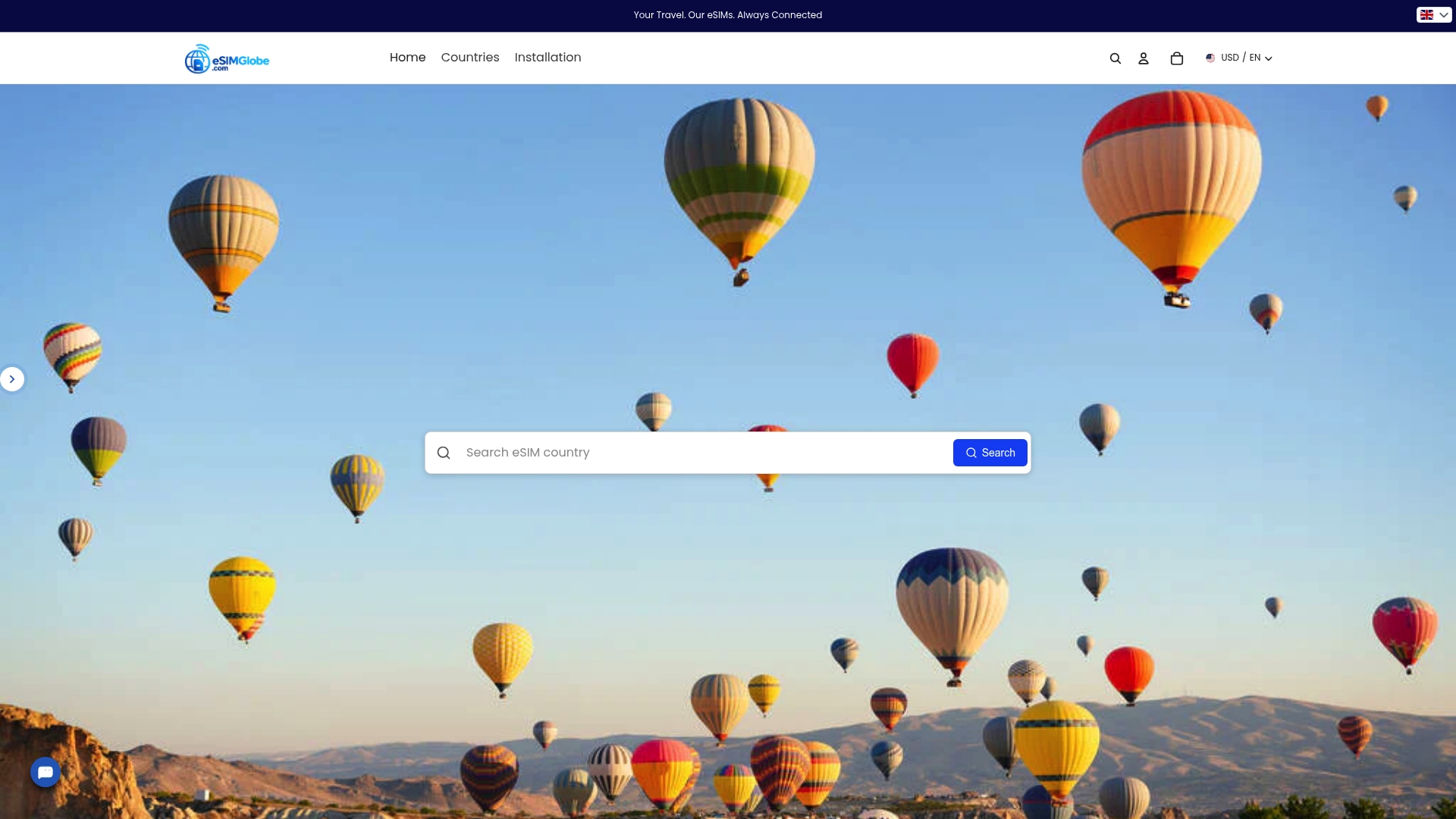
Purchase takes minutes. Installation happens before you board. Esimglobe’s country and region selector makes it easy to find the right plan for your specific itinerary, whether you are visiting one country or ten. For travelers who want a clear eSIM travel guide before committing to a plan, Esimglobe’s resource library covers setup steps, plan comparisons, and destination-specific coverage details. The goal is simple: you land, your data works, and you pay only for what you need.
FAQ
What is an eSIM and how does it work for travel?
An eSIM is a digital SIM profile embedded in your device that connects to a carrier’s network without a physical card. For travel, you purchase a plan online, install the profile remotely, and activate it when you arrive at your destination.
Do I need to remove my physical SIM to use an eSIM abroad?
No. Most modern smartphones support dual-SIM functionality, letting you keep your home SIM for calls while using the travel eSIM for data. Disable data roaming on the home SIM to prevent unexpected charges.
How do I avoid roaming charges when using a travel eSIM?
Set your travel eSIM as the default data line and immediately disable roaming on your home SIM. Even with a travel eSIM active, an enabled home SIM can route background data through your home carrier and generate fees.
When should I install my travel eSIM?
Install your eSIM 1–2 days before departure while connected to your home Wi-Fi. This gives you time to resolve any installation issues before you need the plan at your destination.
What happens if my eSIM does not activate after I land?
Restart your phone first. If the profile still does not activate, confirm you have a Wi-Fi connection and contact your eSIM provider’s support. Most activation failures are settings-related and resolve quickly with guided troubleshooting.