






















TL;DR:
- Internet throttling is an intentional practice where ISPs reduce your speed after data caps or during network congestion. They target high-bandwidth activities using Deep Packet Inspection to manage costs and bandwidth demand without layoffs or infrastructure upgrades. Users can detect throttling by comparing speed tests with and without a VPN and should document their results for accurate diagnosis.
Internet throttling is the intentional reduction of your internet speed by your Internet Service Provider (ISP), typically triggered when you exceed a data cap or when network congestion peaks. The FCC permits this practice under its “reasonable network management” rules, meaning your ISP acts within the law when it slows your connection. Data caps commonly fall between 1 TB and 1.5 TB per month, and once you cross that threshold, your speeds can drop to as low as 1–5 Mbps for the rest of your billing cycle. That drop turns video calls into choppy disasters and streaming into a buffering loop.
What is internet throttling and why do ISPs do it?
Internet throttling is a policy decision, not a technical failure. Your ISP deliberately reduces your bandwidth to manage its network or enforce usage limits. The industry term for this practice is “bandwidth throttling,” and it operates differently from a random outage or a router problem.
ISPs cite two main reasons for throttling. First, they manage network congestion during peak hours, typically evenings and weekends, when millions of users stream video simultaneously. Second, they enforce data caps to limit how much bandwidth any single customer consumes in a billing period. Both reasons serve the same underlying goal: controlling costs without building more infrastructure.
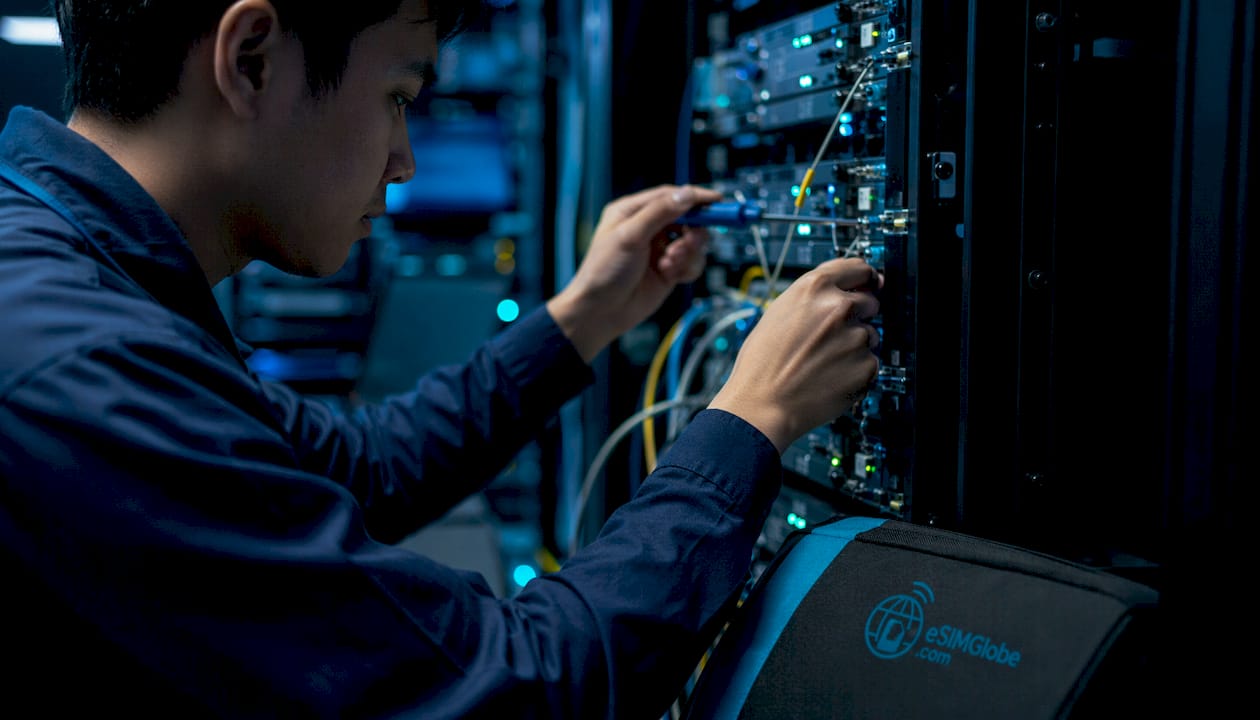
The business logic is straightforward. ISPs justify throttling heavy users during peak times as a cost-saving measure to avoid expensive infrastructure upgrades while managing aggregate bandwidth demand. Expanding physical network capacity costs money. Throttling costs almost nothing.
Throttling is also not random. ISPs use Deep Packet Inspection (DPI), a technology that reads the type of traffic passing through their network, to identify what you are doing online. DPI lets an ISP distinguish between a Netflix stream, a P2P file transfer, and a basic web page request. That distinction matters because it means your ISP can slow specific activities while leaving others untouched.
Why some traffic gets targeted more than others
High-bandwidth activities consume disproportionate network resources. A 4K Netflix stream can use 25 Mbps continuously. A standard web page loads in a fraction of a second and uses almost no sustained bandwidth. ISPs prioritize throttling the activities that strain their networks most, which explains why your browsing feels fine while your video call falls apart.
Pro Tip: Check your ISP’s terms of service for the phrase “network management.” That section describes exactly what activities they are permitted to throttle and under what conditions.
Common activities ISPs target with throttling:
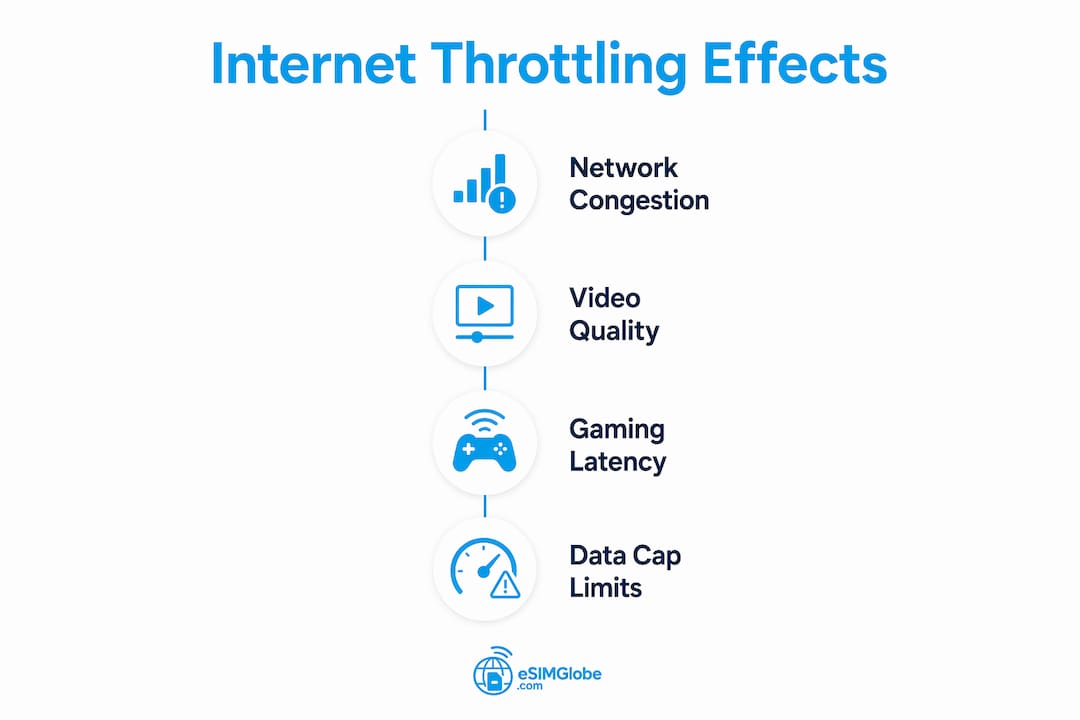
- Video streaming (Netflix, YouTube, and similar platforms) due to sustained high bandwidth use
- P2P file sharing (torrenting) because of its continuous upload and download demands
- Online gaming during peak hours when latency-sensitive traffic competes with streaming
- VoIP and video conferencing when network load is high and real-time packets compete for bandwidth
What are the effects of internet throttling on your online activities?
Throttling causes a degraded experience, not a complete loss of service. That distinction matters because many users assume their connection is broken when it is actually being managed. Throttling impacts throughput and latency without disconnecting you, which makes it harder to diagnose than an outage.
The effects vary significantly depending on what you are doing online. Some activities tolerate reduced speeds reasonably well. Others fall apart almost immediately.
Streaming and video quality
Streaming platforms require consistent bandwidth to maintain picture quality. When your speed drops to 1–5 Mbps, a 4K stream becomes impossible and even 1080p video buffers frequently. The startup delay increases, and the platform automatically downgrades your resolution. You notice this as a sudden shift from sharp video to a blurry, pixelated image.
Video conferencing and real-time communication
Video conferencing is the most sensitive activity to throttling. Network congestion management during peak hours causes increased latency, jitter, and packet loss that directly degrade real-time communications. In practice, this means audio dropouts, frozen video frames, and calls that disconnect mid-sentence. A Zoom or Google Meet call requires stable upload and download speeds simultaneously, and throttling disrupts both.
Online gaming
Gaming latency is measured in milliseconds, and throttling adds enough delay to make competitive games unplayable. A throttled connection increases ping times and causes rubber-banding, where your character jumps backward on screen because the server and your client disagree on your position. Casual games tolerate this better than fast-paced competitive titles.
Web browsing and email
Standard web browsing remains largely unaffected by moderate throttling. A web page request is a short burst of data, not a sustained stream. ISPs using DPI target streaming and file sharing selectively while leaving standard browsing unaffected. This selective behavior is one reason throttling is hard to detect: your connection feels normal until you open a video.
Key insight: Most users believe all internet activity slows uniformly during throttling. In practice, ISPs target specific traffic types using Deep Packet Inspection, leaving browsing intact while degrading streaming and P2P transfers. If your videos buffer but your web pages load fine, throttling is the most likely cause.
How can you identify if your internet is being throttled?
Identifying throttling requires a systematic approach. A single speed test is not enough. ISPs can and do bias speed test results by prioritizing traffic to popular speed test servers, which means your test shows full speed even when your streaming is throttled. Accurate diagnosis requires multiple steps.
Step-by-step throttling detection
- Run a baseline speed test using a standard tool like Fast.com or Speedtest.net. Record your download speed, upload speed, and ping. Note the time of day.
- Repeat the test at different times. Run tests during off-peak hours (early morning) and peak hours (evenings). A significant drop during peak hours points to congestion-based throttling.
- Install a reputable VPN and run the same tests. A VPN encrypts your traffic, hiding its type from your ISP’s DPI system. Comparing speed tests with and without a VPN at the same times reveals traffic-based throttling. Consistently higher speeds through the VPN confirm your ISP is targeting specific traffic types.
- Test specific activities, not just raw speed. Stream a 4K video, run a video call, and download a large file. Compare how each performs. If streaming degrades while browsing stays fast, DPI-based throttling is the likely cause.
- Check your data usage. Log into your ISP account and review your monthly data consumption. If you are near or past your data cap, speed reduction is almost certainly policy-based throttling rather than congestion.
Pro Tip: Run your VPN test on the same device, using the same server location, at the same time of day as your baseline test. Any variable you change makes the comparison unreliable.
Throttling vs. shaping: understanding the difference
Throttling and traffic shaping are related but distinct. Throttling reduces your speed across a billing period once you hit a data cap. Traffic shaping adjusts speeds dynamically based on real-time network conditions, often without a hard cap trigger. Both slow your connection, but shaping is temporary and congestion-driven, while throttling is persistent and policy-driven.
| Factor | Throttling | Traffic shaping |
|---|---|---|
| Trigger | Data cap exceeded or ISP policy | Real-time network congestion |
| Duration | Rest of billing cycle | Temporary, resolves when congestion clears |
| Affected traffic | Often specific types (streaming, P2P) | Typically all traffic equally |
| User notice | Persistent slowdown | Intermittent slowdown during peak hours |
What are the security risks of throttled internet connections?
Throttling creates security risks that most users never consider. The most significant risk involves VPN connections. Aggressive throttling of encrypted VPN traffic can cause VPN tunnel timeouts and resets, temporarily exposing your data unencrypted. That exposure window is brief but real.
When a VPN tunnel drops due to throttling, your device continues sending data for a fraction of a second before the VPN client detects the disconnection and stops traffic. During that window, your ISP and any network observer can see your unencrypted activity. Most VPN clients include a kill switch feature that blocks all traffic when the tunnel drops, but not all users enable it.
Privacy risks during throttling detection include:
- Unencrypted traffic exposure during VPN tunnel resets caused by throttling
- Traffic pattern visibility when testing without a VPN, revealing your browsing habits to your ISP
- False security from speed tests that show full speed while specific traffic types remain throttled
- Metadata leakage during VPN reconnection attempts, which can reveal the VPN server you are connecting to
The safest approach to throttling detection is to enable your VPN’s kill switch before testing and to use a DNS leak test tool after connecting to confirm your traffic is fully encrypted. Travelers using mobile data abroad face compounded risks because foreign networks add additional layers of traffic inspection.
“Throttling VPN traffic risks security by causing repeated tunnel resets, exposing users to unencrypted traffic briefly. This risk is often overlooked in general throttling discussions.”
Key Takeaways
Internet throttling is a deliberate, policy-driven speed reduction by ISPs that targets specific traffic types using Deep Packet Inspection, making it detectable through VPN-based comparative speed testing.
| Point | Details |
|---|---|
| Throttling is intentional | ISPs reduce speeds by policy, not by accident, often after data caps of 1–1.5 TB are exceeded. |
| DPI targets specific traffic | Streaming and P2P transfers are throttled selectively; standard browsing often remains unaffected. |
| Speed tests can mislead | ISPs prioritize traffic to speed test servers, so VPN-based comparison tests give more accurate results. |
| VPN throttling creates security gaps | Tunnel resets during throttling briefly expose unencrypted data; enable a kill switch to prevent this. |
| Throttling differs from outages | Throttled connections degrade performance without disconnecting, making the cause harder to identify. |
The part about throttling that most guides get wrong
Most articles on this topic treat throttling as a simple problem with a simple fix: buy a VPN, problem solved. That framing misses the real issue.
The harder truth is that throttling is a structural feature of how ISPs manage their networks, not a bug you can patch. ISPs have legal permission to throttle under FCC reasonable network management rules. They disclose it in terms of service that almost no one reads. And they have strong financial incentives to keep doing it because infrastructure upgrades are expensive.
What I find most frustrating is the detection problem. Users run a speed test, see a decent number, and conclude their connection is fine. They never realize their ISP is serving full speed to the speed test server while throttling their Netflix traffic in the background. That is not a technical glitch. It is a deliberate design choice that makes throttling invisible to casual users.
The VPN comparison test is the closest thing to a reliable diagnostic tool available to regular users. But even that has limits. Some ISPs have started throttling VPN traffic itself, which means your VPN test shows slow speeds regardless of whether your regular traffic is being throttled. At that point, you need to test multiple VPN protocols and compare results across different server locations.
The practical advice I give anyone dealing with persistent internet speed issues is this: document everything. Run tests at the same times every day for a week. Compare peak and off-peak results. Check your data usage. Then contact your ISP with specific numbers. Vague complaints get ignored. Documented evidence of consistent speed drops tied to specific times or data thresholds gets results.
For travelers, the problem compounds. Roaming networks add throttling layers that domestic users never encounter. Understanding why roaming feels slower than local networks is the first step toward choosing a connection that actually performs.
— daniele
Reliable mobile data without throttling surprises
Throttling is most disruptive when you are traveling and have no alternative connection to fall back on. A throttled hotel Wi-Fi or a roaming plan that hits its data cap mid-trip leaves you without a working connection at the worst possible moment.
Esimglobe provides eSIM data plans for travelers across multiple countries and regions, with transparent data allowances so you know exactly what you are getting before you arrive. No physical SIM card, no roaming surprises, and no hidden throttling buried in fine print. Travelers can compare fixed and unlimited eSIM plans to find the right fit for their destination and usage habits. Visit Esimglobe to browse plans by country and get connected before your next trip.
FAQ
What is internet throttling in simple terms?
Internet throttling is when your ISP deliberately slows your internet speed, usually after you exceed a monthly data cap or during peak network hours. Throttled speeds typically fall to 1–5 Mbps, compared to the full speeds your plan advertises.
How do I know if my internet is being throttled?
Run a speed test without a VPN, then run the same test with a VPN active at the same time of day. If your speeds are consistently higher through the VPN, your ISP is likely throttling specific traffic types based on what it detects.
Does throttling affect all internet activity equally?
No. ISPs use Deep Packet Inspection to target high-bandwidth activities like video streaming and P2P file sharing while leaving standard web browsing largely unaffected. This selective behavior is why your pages load fine but your videos buffer.
Is internet throttling legal?
Yes. The FCC’s reasonable network management rules permit ISPs to throttle speeds as part of their acceptable use policies, provided they disclose the practice to customers. Most ISPs include throttling terms in their service agreements.
How can I prevent internet throttling while traveling?
Using an eSIM data plan with a transparent data allowance reduces the risk of unexpected throttling abroad. Travelers who rely on mobile internet speeds from local networks benefit from plans that clearly state their data limits and post-cap policies before purchase.
Recommended
- Bali Travel eSIM: Why Your Internet Becomes Unusable in Tourist Areas – Esimglobe
- Mexico Travel eSIM: Why Mobile Internet Speeds Are Unreliable for Trav – Esimglobe
- Why Airport SIM Cards Are a Bad Idea for Travelers – Esimglobe
- Unlimited Data eSIM vs Fixed Data Plans: Which One Should You Choose i – Esimglobe